
Problem Statement
You need to get the value of an attribute of a web element in the web page based on which you have to perform some actions.
Solution
Use the Get details of element on web page action

These are the details that you need to provide to get the output
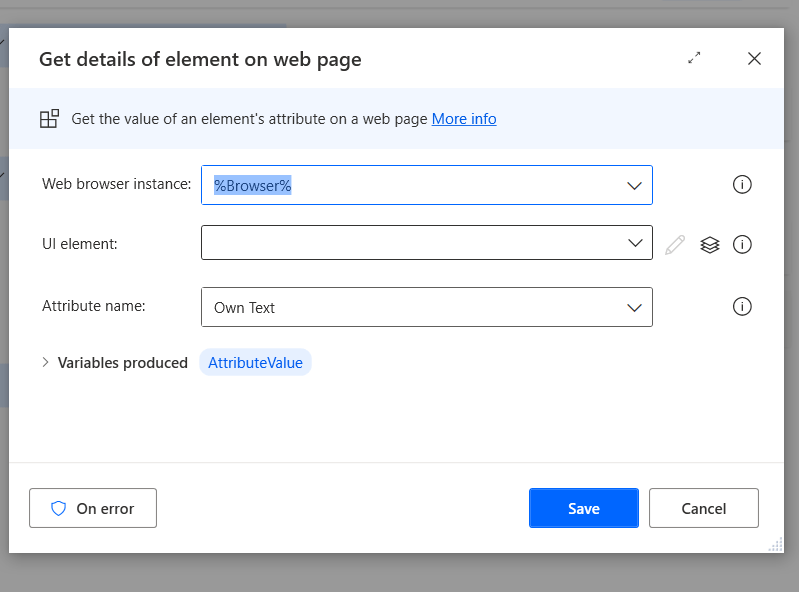
You need to add the UI element or have it already added. Select that in the dropdown. In the attribute name part you have 2 options, select one of the listed ones or type your own like give below.
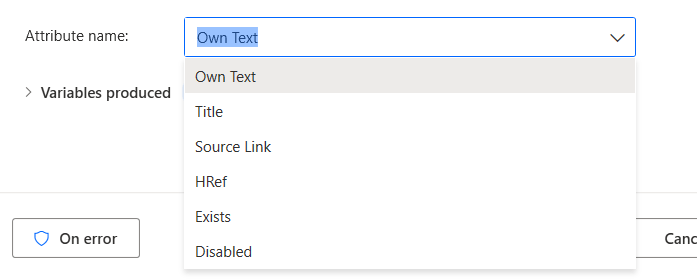
These are the predefined options
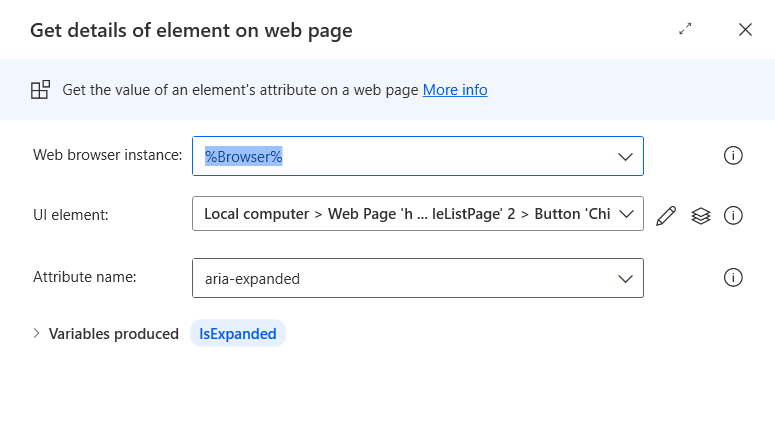
You can type in any attribute that you want to get and you need to edit the variables produced to a name that you want to use in your consequent steps.
 Ajay is a developer
Leave a comment